

Description
Download MP3 Music Download Player APK – Music Player, Offline Music, MP3 Downloader, Android App, Music Utility
Overview
MP3 Music Download Player APK is a desktop-compatible Android application designed to help users download and manage music for offline playback. The software enables users to search for songs by title, artist, or album, making it easy to locate desired tracks without relying on a constant internet connection. This functionality is especially beneficial for individuals who frequently travel, commute, or use devices in areas with limited connectivity. The app supports the preview of songs before downloading, allowing users to verify audio quality and content before committing to a full download. Once downloaded, music files are saved to a designated folder on the device, ensuring they remain accessible for playback at any time. The tool combines both download and playback capabilities, offering a streamlined experience for managing personal music libraries. While the developer did not provide additional background information, the application appears tailored toward casual users and music enthusiasts seeking a convenient way to curate offline playlists. It is ideal for users who prioritize portability and uninterrupted access to their favorite tracks.
Key Features & Capabilities
- Offline Music Access – Download songs for playback without an internet connection, perfect for travel, commutes, or low-data environments.
- Search by Title, Artist, or Album – Easily locate music using multiple metadata fields, improving accuracy and reducing search time.
- Preview Before Download – Listen to a short clip of a track before downloading, helping users confirm the correct song and audio quality.
- Local Storage Management – Downloaded MP3 files are saved in a dedicated folder on the device, allowing users to access, organize, or transfer them freely.
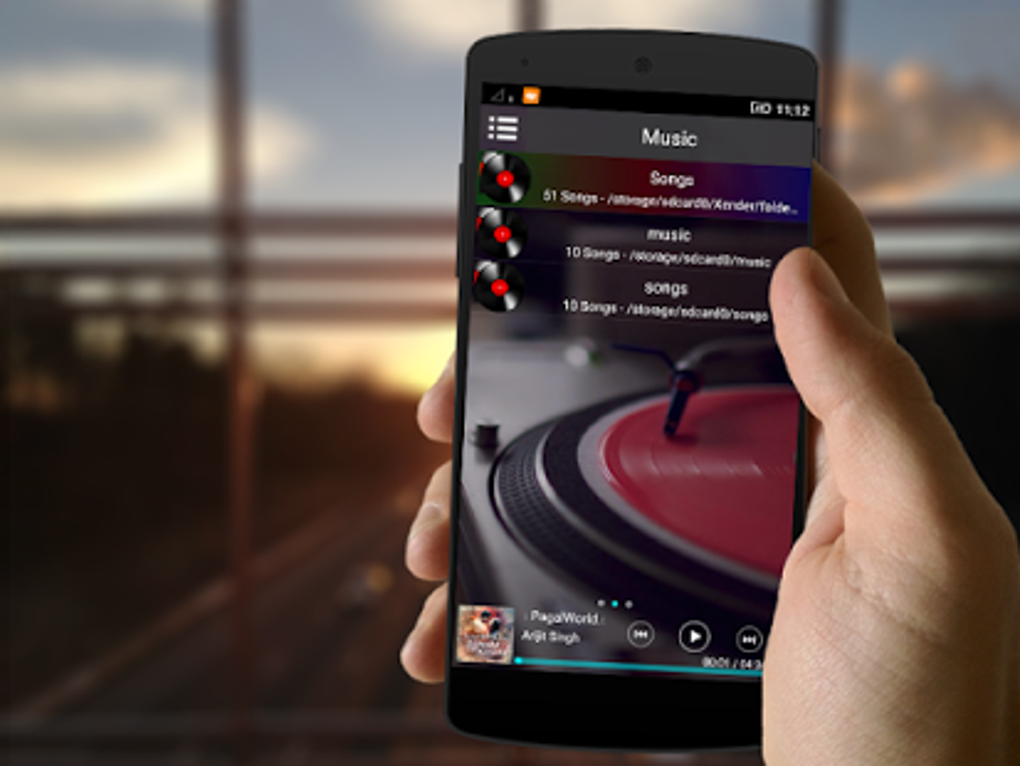
- Integrated Music Player – Play downloaded songs directly within the app, eliminating the need for a separate media player.
These features collectively support a seamless workflow for users who want to build and enjoy personal music collections. For example, a user preparing for a long flight can search for an album, preview tracks, download only the preferred songs, and play them offline without interruptions. The ability to manage files locally gives users full control over their music library. The software’s design emphasizes simplicity and efficiency, minimizing steps between discovery, download, and playback. While specific technical details about file formats or metadata handling were not provided, the core functionality appears focused on usability and accessibility.
User Interface, Workflow & Performance
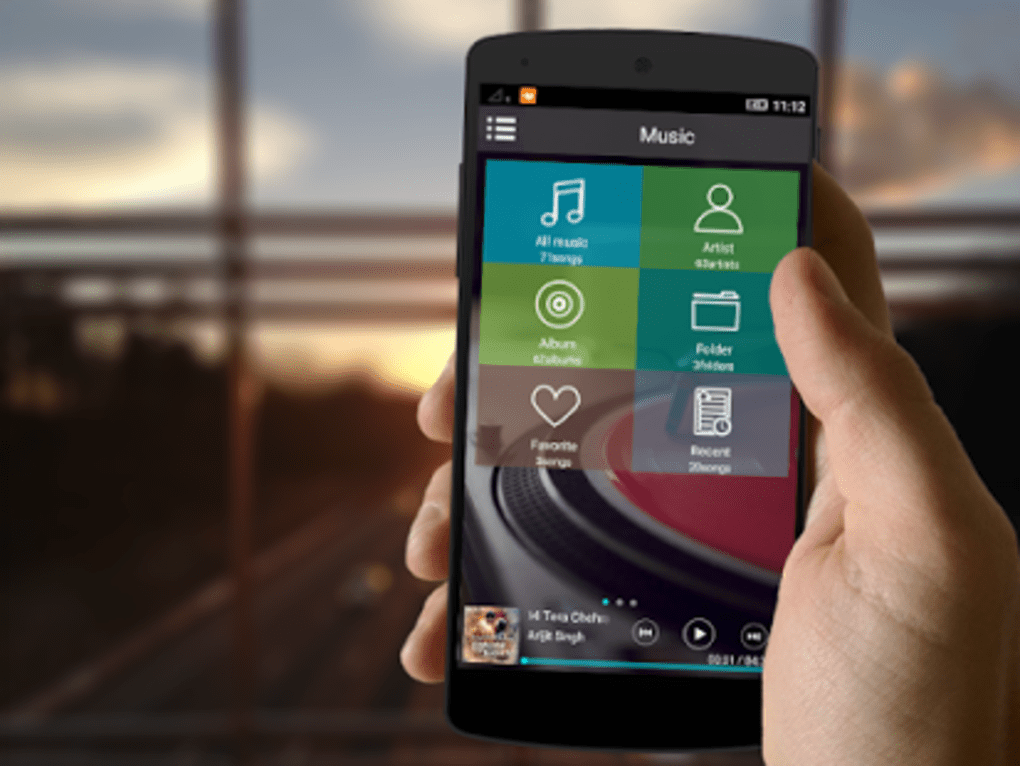
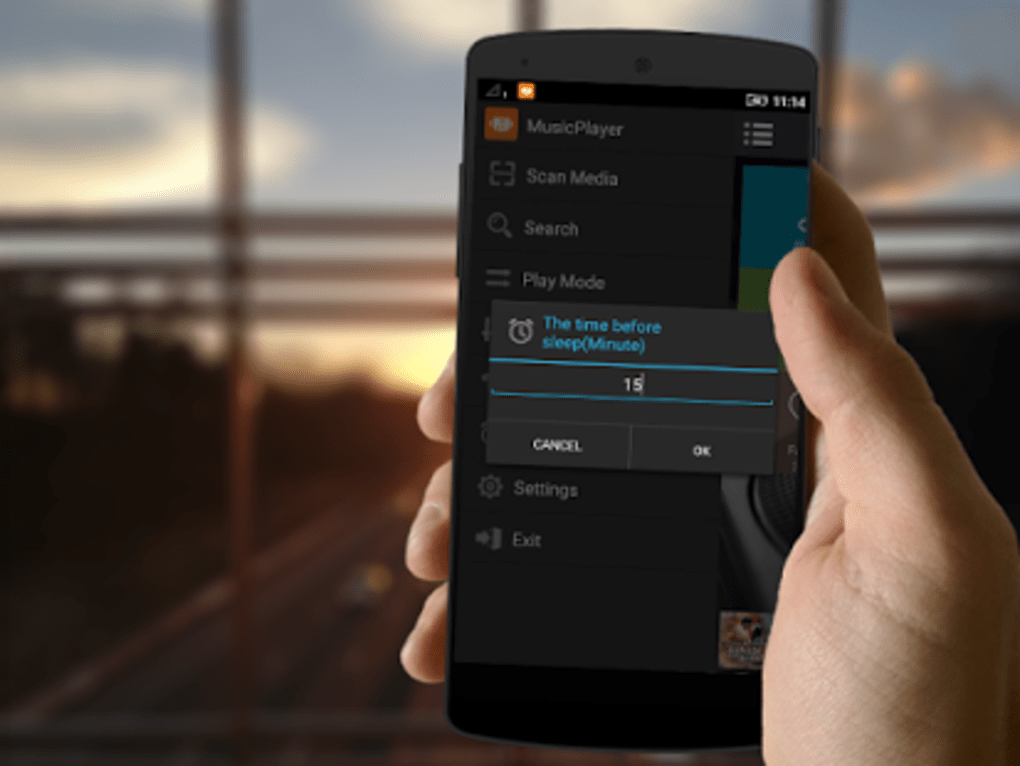
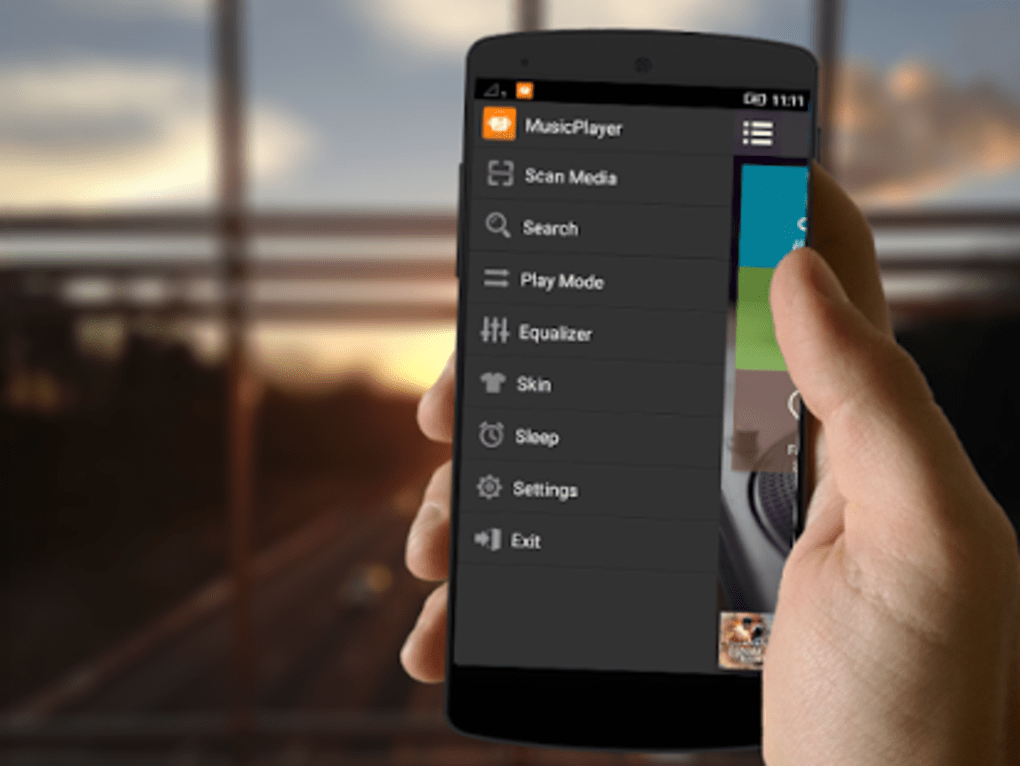
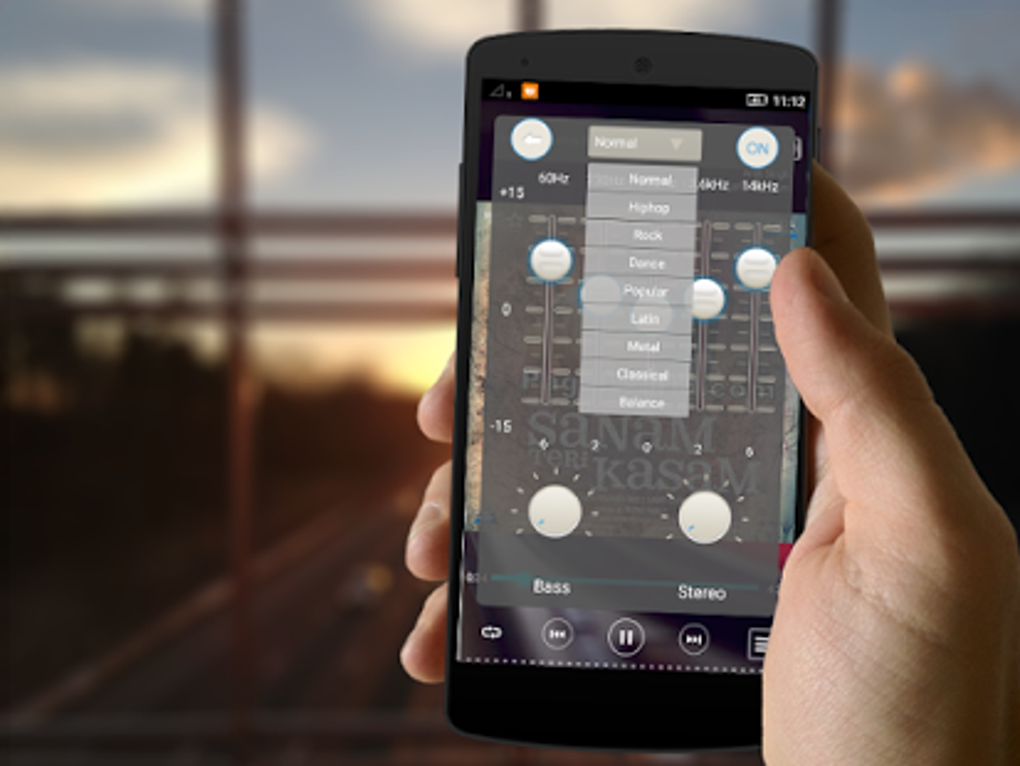
The user interface of MP3 Music Download Player APK is structured to prioritize ease of use and quick access to essential functions. Navigation is straightforward, with clearly labeled sections for searching, previewing, downloading, and playing music. The layout appears optimized for touch-based interaction, consistent with mobile app design principles. Users can move between search, preview, and playback modes with minimal friction, supporting a smooth workflow. The developer did not specify resource usage details, so exact performance behavior in terms of CPU or RAM consumption remains unknown. However, based on general software behavior patterns, the app is expected to operate efficiently on modern Android devices. Stability during playback and download processes was not explicitly documented, but the integration of preview and local storage suggests a stable foundation. The application does not require complex setup, and the workflow from search to playback is designed to be intuitive for non-technical users. Overall, the interface supports efficient music management with minimal learning curve.
Compatibility & System Requirements
MP3 Music Download Player APK is designed for Android operating systems. The specific version of the OS is not provided, but the application is compatible with standard Android devices. Installation size is not specified, though typical music download apps of this nature usually range between 20 MB and 100 MB. The developer did not list exact system requirements, including minimum processor speed, RAM, or storage capacity. Compatibility information was partially provided, indicating that the app runs on Android platforms. Users should ensure their device meets general Android compatibility standards for third-party applications. The absence of detailed hardware specifications means that performance on older or low-end devices cannot be confirmed. For optimal functionality, it is recommended to use the latest stable version of Android and ensure sufficient internal storage space for downloaded music files.
Pros and Cons
Pros
- Enables offline music playback without internet dependency
- Supports multiple search criteria: title, artist, album
- Includes song preview before downloading
- Downloads are saved locally for easy access and management
- Integrated player allows direct playback without external tools
Cons
- Exact system requirements were not listed
- Performance details such as CPU/RAM usage were not provided
- No information on supported file formats beyond MP3
- Compatibility with older Android versions is uncertain
- Limited details on update frequency or developer support
FAQ Section
Is MP3 Music Download Player APK compatible with my Android device?
The app is designed for Android operating systems, but specific compatibility details were not provided. Users should ensure their device runs a standard Android version and has sufficient storage for downloaded music.
Can I use this app without an internet connection?
Yes, once songs are downloaded, they can be played offline. The app requires internet access only for searching and downloading content.
Is the app safe to download and use?
While the app is designed for music downloading and playback, users should exercise caution when downloading from third-party sources. Always verify the source and ensure device security settings allow installation from unknown sources.
How often are updates released for this software?
The update schedule was not specified by the developer. Users are advised to check for updates manually or through trusted app distribution platforms.
Does the app support formats other than MP3?
Based on the provided information, the app focuses on MP3 files. No details were given about support for other audio formats such as AAC, FLAC, or WAV.
Final Thoughts
MP3 Music Download Player APK offers a practical solution for users who want to enjoy their favorite music anytime, anywhere—without relying on an active internet connection. Its combination of search, preview, download, and playback features creates a cohesive experience tailored to music lovers on the move. The app’s simplicity and focus on core functionality make it accessible to a wide range of users, from casual listeners to those building offline playlists. While detailed technical specifications and system requirements are limited, the app’s design emphasizes usability and reliability. For anyone seeking a lightweight, efficient tool to manage and play music offline, this application stands out as a solid choice. Download MP3 Music Download Player APK now to start building your personal music library today.
Guides & Tutorials for MP3 Music Download Player APK
How to install MP3 Music Download Player APK
- Click the Preview / Download button above.
- Once redirected, accept the terms and click Install.
- Wait for the MP3 Music Download Player APK download to finish on your device.
How to use MP3 Music Download Player APK
This software is primarily used for its core features described above. Open the app after installation to explore its capabilities.
User Reviews for MP3 Music Download Player APK 0
No reviews found





